Casinonic Registration Process in Australia

When you complete your Casinonic registration in Australia, you get instant access to real-money casino games and local sports betting markets on one site. You can sign up by mobile number, email, one click, or social media, so you choose the registration process that suits you. After you create your new account, you can deposit, place bets, and request withdrawals in Australian dollars. You also become eligible for a welcome bonus of 550% up to AU$5,000.00 on your first deposits, subject to the stated bonus terms and conditions.

Enjoy live dealers, slots and Casinonic Originals.

All Available Registration Options on Casinonic

You can complete your Casinonic registration online in a few minutes using several fast sign up options. Each method lets you create an account safely on the official site so you can start gambling for real money sooner.

  • By mobile phone number;
  • By email address;
  • Via supported social media profiles;
  • In one click using a short form.

Register by Phone Number

Registration by mobile number suits you if you want quick SMS confirmation and easy sign in later. You link your personal account to a verified number used for security alerts and password recovery.

  1. Open the official site and click “Sign Up”.
  2. Choose the registration by phone option.
  3. Enter your Australian mobile number and choose your account currency.
  4. Set a strong password and confirm you are over 18 and accept the terms.
  5. Enter the SMS code sent to your phone to complete your new account setup.

Register by Email

Email registration is ideal if you like keeping all gambling messages and verification details in one inbox. You use your email to sign in across desktop and mobile.

  1. Click “Sign Up” on the site.
  2. Select the email registration method.
  3. Type your email address, set a strong password, and choose your currency.
  4. Confirm you are at least 18 and your details follow Australian law.
  5. Open the confirmation email and follow the link to activate your account.

Register via Social Media

Social media registration lets you link an existing profile so you do not need to remember new login details. Your base personal data is pulled from the platform you choose, and you can edit it in your account area.

  1. Click “Sign Up” and pick the social media option.
  2. Select a supported social platform and approve access.
  3. Confirm the suggested details, choose your currency, and accept the terms.
  4. Save changes to complete your Casinonic sign up linked to that profile.

One-Click Registration

One-click registration suits you if you want to start exploring the site straight away and finish profile details later. You get a new account in seconds using a very short form.

  1. Press “Sign Up” on the homepage.
  2. Select the one-click registration option.
  3. Confirm the suggested currency and country are correct for Australia.
  4. Accept the terms and confirm you are over 18.
  5. Save the auto-generated login details shown on the screen for later sign in.

Register via the Casinonic Mobile App

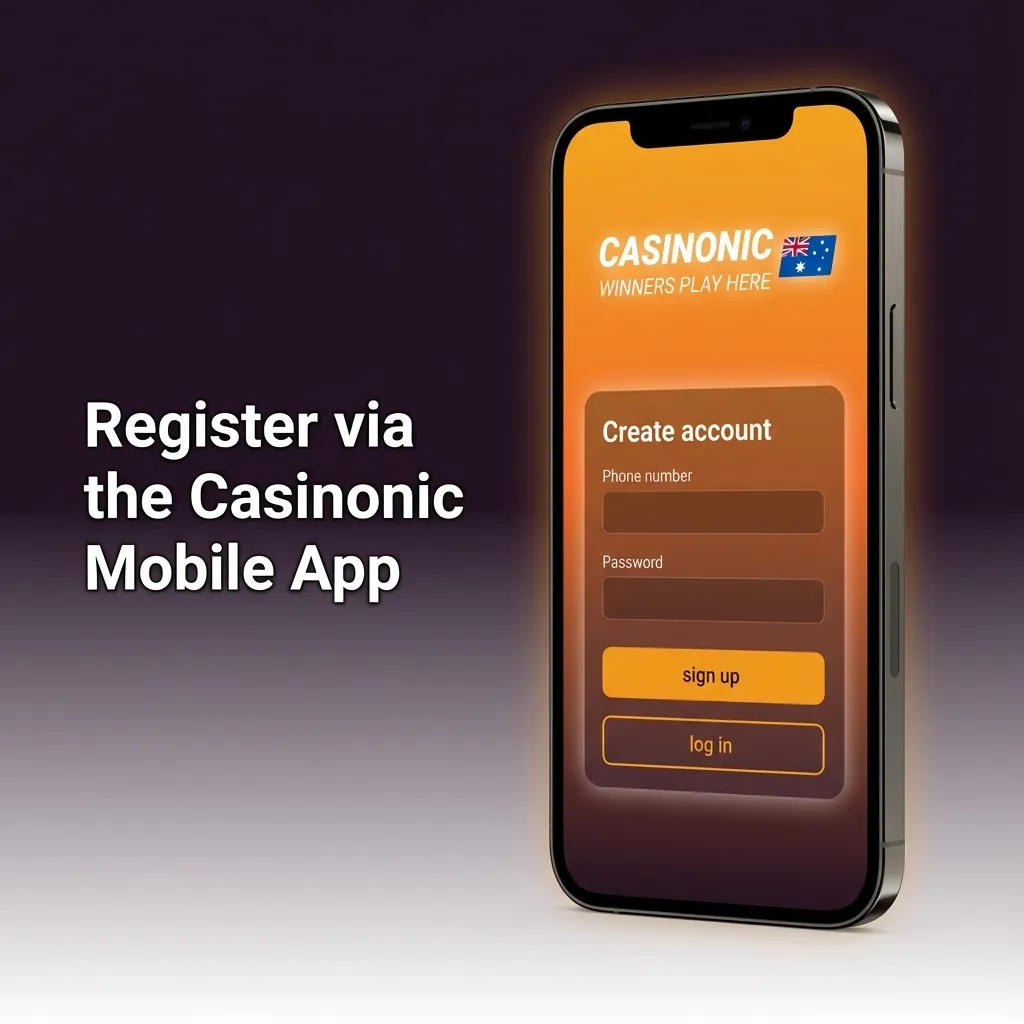
You can complete your Casinonic register steps on mobile using the dedicated app or the progressive web app version of the site. The mobile sign up process mirrors the desktop flow but is optimised for smaller screens and quick taps.

  1. Step 1: Download or open
    Download the Android or iOS app from the official link, or open the mobile site and add it to your home screen for the PWA version.
  2. Step 2: Launch the platform
    Open the app icon on your device and tap “Sign Up” to start your Casinonic registration online.
  3. Step 3: Choose registration method
    Pick your preferred method, such as phone number, email, social profile, or one-click, then confirm Australia as your country.
  4. Step 4: Provide basic details
    Enter the requested personal details, choose your account currency, set a password, and confirm you are over 18.
  5. Step 5: Confirm your account
    Complete SMS, email, or social confirmation as shown on screen so your new account is ready to deposit and bet on mobile.
Smartphone showing Casinonic mobile app sign-up steps with buttons for email, phone, social and one-click registration

Account Registration Requirements

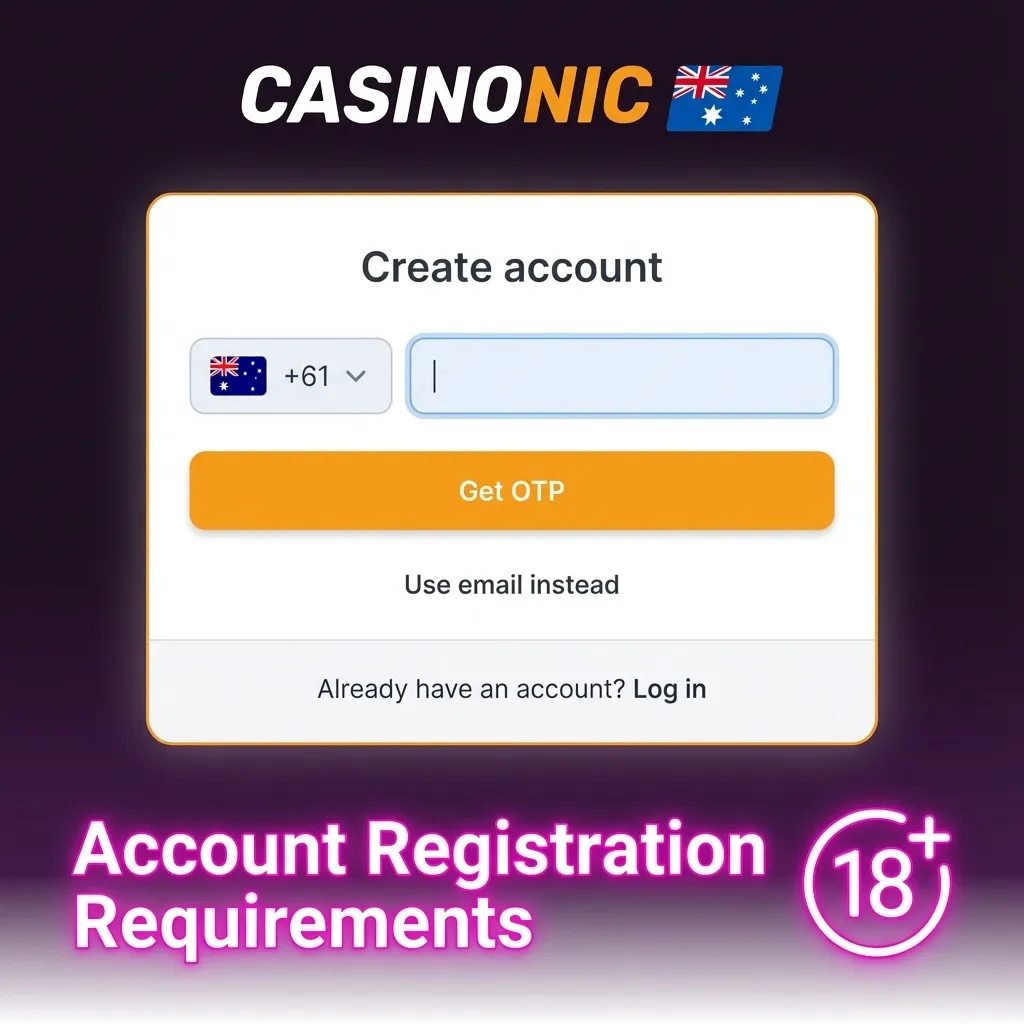
You must meet a few important rules before you complete a Casinonic registration in Australia. These rules protect you as a user and keep the gambling platform compliant with local laws and licence conditions. You agree to provide true personal data and to use the site only for your own entertainment. Your account may need verification documents before you can withdraw funds or claim some bonus offers.

  1. Age and residence
    You must be at least 18 years old and located in an Australian state or territory where online gambling of this type is legal.
  2. Personal details
    You must provide accurate personal information, such as full name, date of birth, and current address, matching your identity documents.
  3. One personal account
    You may create only one account on the platform and must not share it or allow others to use it.
  4. Legal funds and responsible play
    All deposits must come from legal sources, and you agree to gamble responsibly and follow any self-exclusion tools you choose.
  5. Document checks
    You must be ready to provide ID, address, and payment method documents for verification if requested, so your account stays active and secure.
Checklist-style graphic showing Casinonic Australia account registration rules, including age, residence, ID and one-account policy

Login to Casinonic Account

Once your new account is created, you can sign in from any compatible device to access casino games, sports betting, and your personal settings. The login steps are simple and follow the method you used during registration.

1

Open the Login form

Click the “Login” button below to open the sign in form on the official site.

Open the account login form by clicking the button in the upper right corner of the screen.
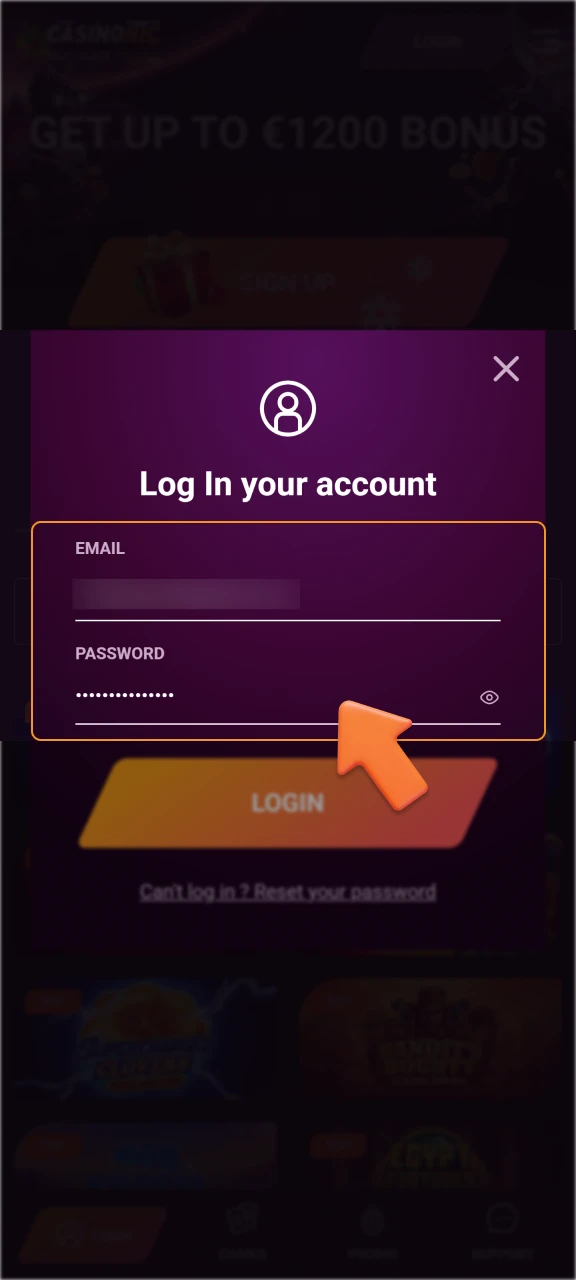
2

Enter details

Enter your current login details and confirm any extra security prompt, such as an SMS code if two-step verification is active.

Enter your login information and confirm any security prompts.
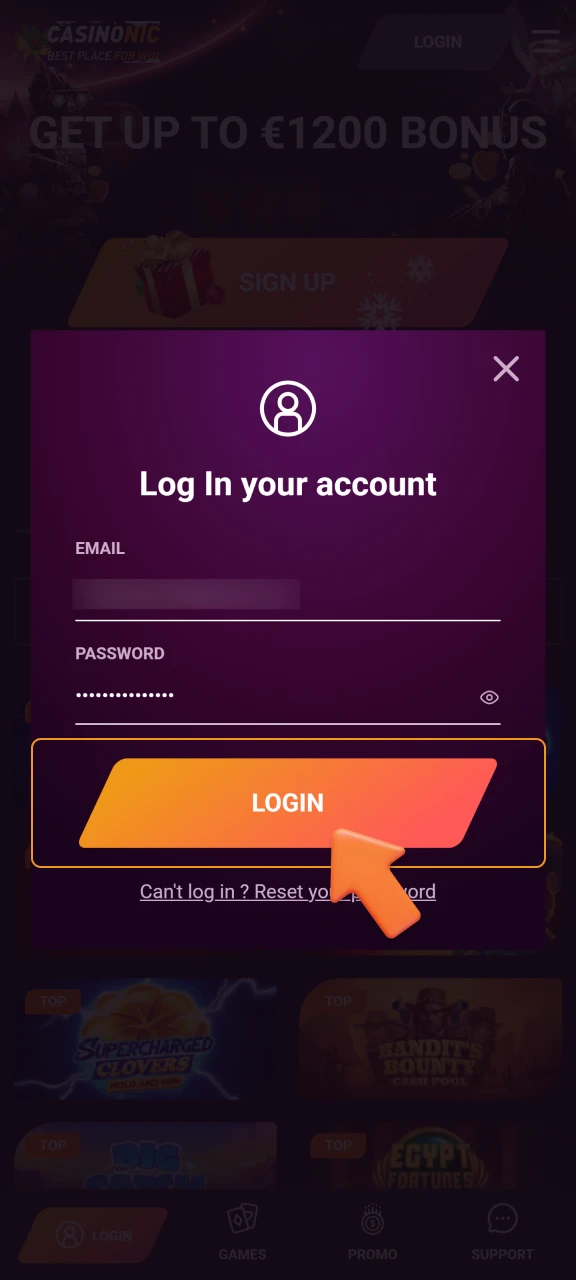
3

Access your account

Press “Login” to access your account, check your balance, make a deposit, or continue your bets.

To access your account, click the Login button.

Account Verification Process

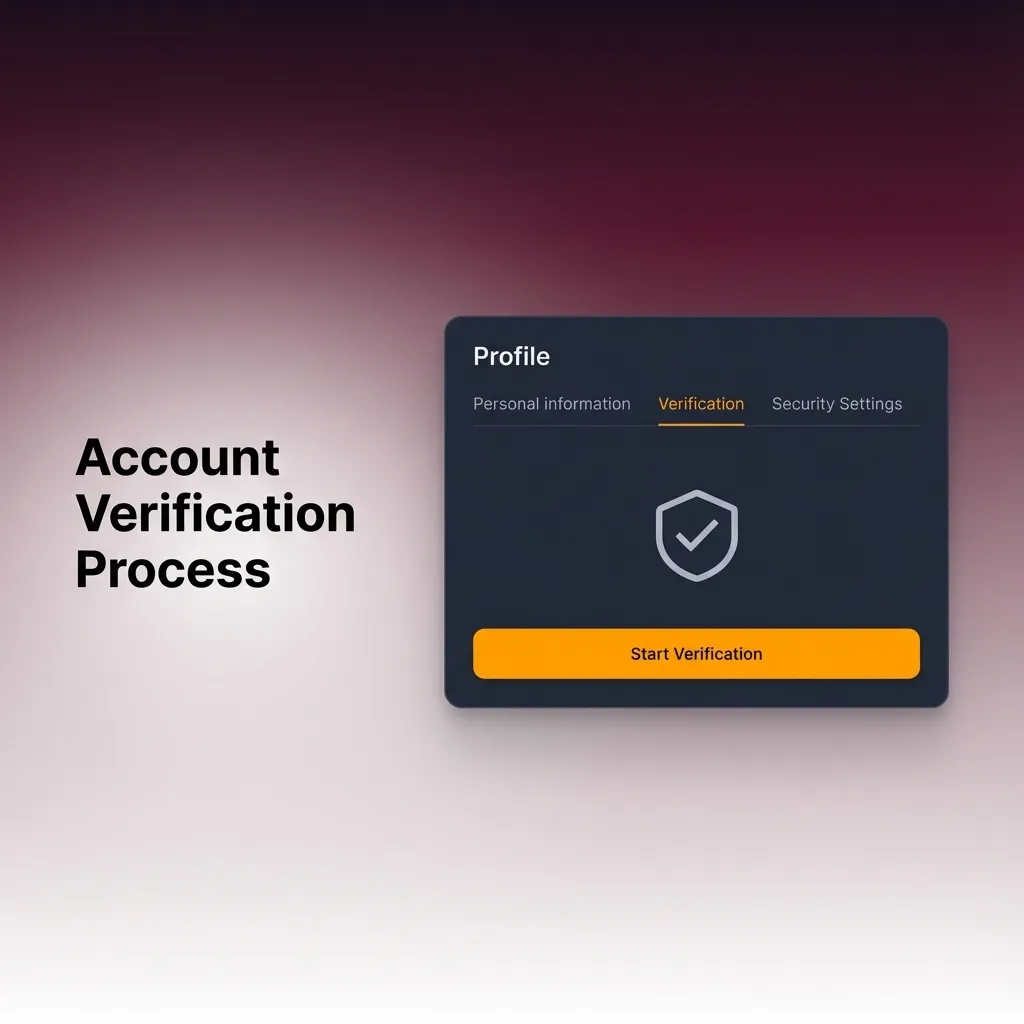
Account verification is a key part of the Casinonic registration process, as it confirms your identity and helps keep the platform safe for Australian users. Once your account is verified, you can request withdrawals, raise deposit limits, and access all available payment methods in line with local rules.

  1. Basic profile completion
    Fill in your profile details, including full name, date of birth, and residential address, so they match your official documents.
  2. Identity document upload
    Upload a clear photo or scan of a valid ID, such as an Australian driver licence or passport, following the instructions in your account area.
  3. Address verification
    Provide a recent document that shows your name and address, such as a utility bill or bank statement, dated within the accepted period.
  4. Payment method confirmation
    For certain deposit and withdrawal methods, submit proof that the card, bank account, or e-wallet belongs to you, such as a masked card photo or statement.
  5. Review and confirmation
    Wait for the support team to review your documents, then check your profile for a status update confirming your account is fully verified.

Illustrated Casinonic account verification steps for Australian users with profile, ID, address, payment, and approval icons.

Welcome Bonuses for New Users from Australia

As a new user from Australia, you may be eligible for a Deposit 550% up to AU$5,000.00 welcome package after you complete your Casinonic registration online and make your first deposits. The main focus is on casino play, and separate sports betting bonus offers may be available during special campaigns.

Banner promoting Casinonic 550% deposit welcome bonus up to AU$5,000 for new Australian users, casino and sports offers shown

Casino Bonus

The casino welcome bonus gives you extra balance on top of your first qualifying deposits so you can explore pokies and table games. You receive the bonus in stages, subject to the published wagering requirements and minimum deposit amounts.

Detail Information
Bonus size Total Deposit 550% up to AU$5,000.00 across eligible first deposits
How to claim Create an account, log in, make a qualifying deposit, and select the casino welcome offer or enter any required bonus code
Wagering requirements Wagering applied to bonus funds and sometimes deposit, as stated in the bonus terms on the site
Minimum deposit A minimum qualifying deposit in AUD per stage, shown in the promotion rules

Sports Betting Bonus (if available)

At times you may find a sports betting welcome offer for new users who prefer sports markets. This type of bonus often matches your first sports deposit or gives a bet credit after settlement of your first wager.

Detail Information
Bonus size Match percentage and total cap advised in the sports promotion details
How to claim Register, choose the sports tab, make a qualifying sports deposit, and follow any stated promo code steps
Wagering requirements Turnover requirements on odds above the stated minimum before you can withdraw bonus-related winnings
Minimum deposit Minimum AUD deposit for the sports bonus, listed in the promotion terms

Account Overview

Your personal account area on the site is where you manage all key details of your gambling profile. Once you sign in, you can access a range of options that are only available to registered users.

  • Profile details
    View and update your personal data, such as name, date of birth, and contact address, so it stays accurate.
  • Verification status
    Check which documents are approved, see pending requests, and upload new files for account verification.
  • Deposit section
    Choose payment methods, make deposits in Australian dollars, and review your successful and failed transactions.
  • Withdrawal section
    Request cash outs to approved methods, track processing times, and view your withdrawal history.
  • Bonuses and promotions
    See active bonuses, wagering progress, expiry dates, and any available new offers that match your play style.
  • Betting and game history
    Review past sports bets and casino game rounds so you can track your activity and manage your bankroll.
  • Security settings
    Change your password, manage two-step verification, and review active sessions for better account protection.
  • Responsible gambling tools
    Set deposit limits, loss limits, session reminders, or request time-outs and self-exclusion when you need a break.

Possible Problems and Their Solutions When Registering on Casinonic

Sometimes issues can arise during your Casinonic register process, such as form errors or confirmation delays. Here are common problems and practical solutions so you can complete your new account setup smoothly.

Problem Solution
SMS or email confirmation not received Check your spam or junk folder, confirm your mobile number or email is typed correctly, then request a new code or link from the registration page.
Registration form will not submit Make sure all required fields are filled, passwords meet the stated rules, and you have ticked the age and terms boxes before trying again.
Country or currency shown incorrectly Verify that your device location is set to Australia and manually select Australia and AUD in the registration drop-down menus.
Message about existing account Use the password recovery option if you may have registered before, or contact support to confirm and avoid creating duplicate accounts.
Error during social sign up Log in to your social media separately, check permissions, then return to the site and start the social registration again or use email or phone instead.
Table of common Casinonic registration problems with brief solutions for confirmation, form errors, country, duplicates, and social sign-up.

Steps to Delete a Personal Account

You might want to delete your account if you decide to stop online gambling, manage your budget, or move your activity to a different platform. Account closure is handled through support to ensure your balance and data are processed correctly.

1

Log In and withdraw your funds

Sign in to your account and check your balance, then withdraw any remaining funds if allowed by the rules.

2

Contact support to delete your account

Open the help or support section and contact the team by live chat or email, stating that you want to delete your personal account.

3

Confirm your identity

Confirm your identity as requested and follow any extra steps, such as answering security questions.

4

Get confirmation that your account is closed

Wait for written confirmation that your account has been closed and keep that message for your personal records.

FAQ

How long does it take to complete Casinonic sign up in Australia?

In most cases you can create your account in a few minutes, and basic confirmation by SMS or email usually happens almost straight away.

Can you change your registration details after creating an account?

You can edit some details, such as address or phone number, in your profile, but core data like name and date of birth might need support approval.

Do you need to verify your account before making a deposit?

You can often deposit and play before full verification, but you will need to complete verification before withdrawals or higher limits are approved.

Is it possible to have more than one account on the site?

No, you are allowed only one personal account, and creating extra profiles may lead to closure and loss of bonuses.

Can you register on mobile and later log in on desktop?

Yes, your login details work on both mobile and desktop, so you can sign in from different devices using the same account.

Updated: